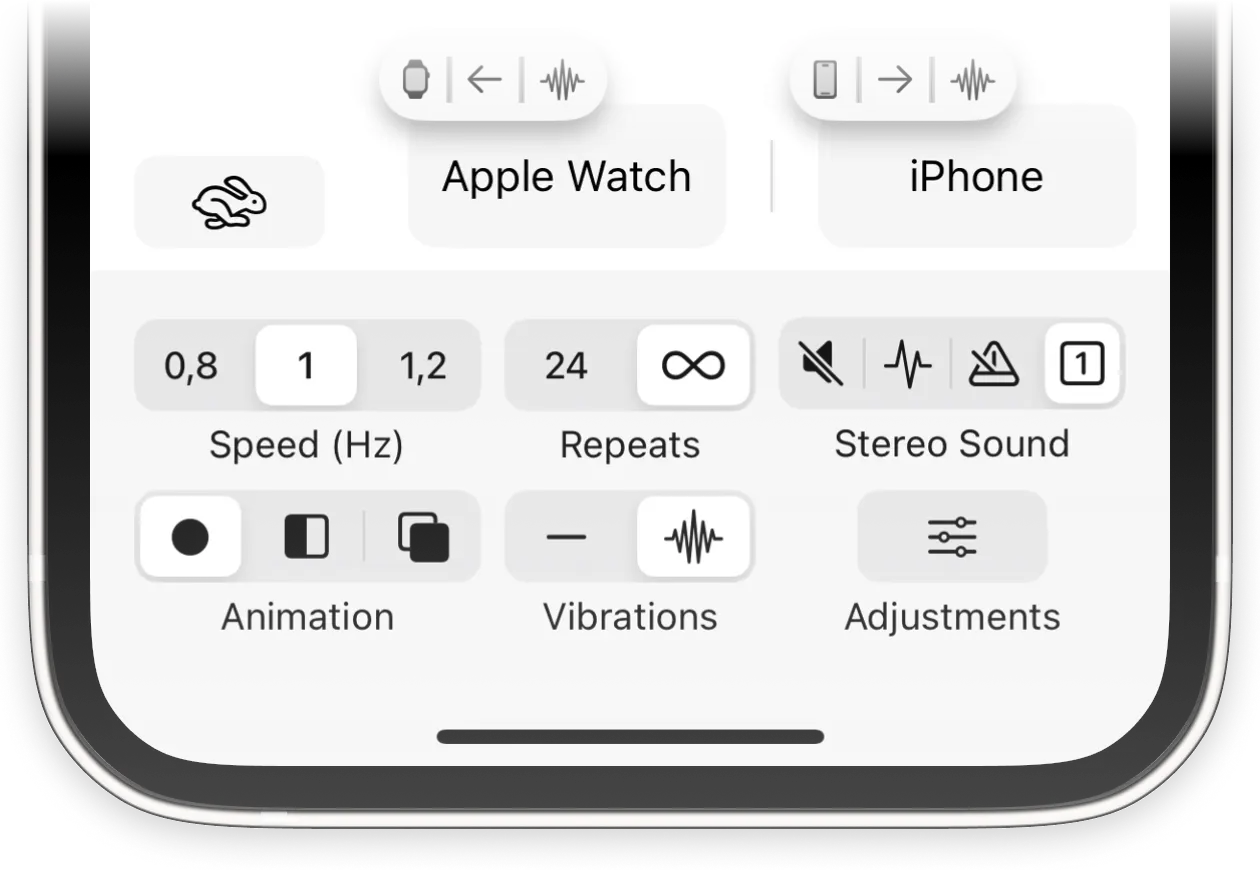
The EMDR App for Apple Watch
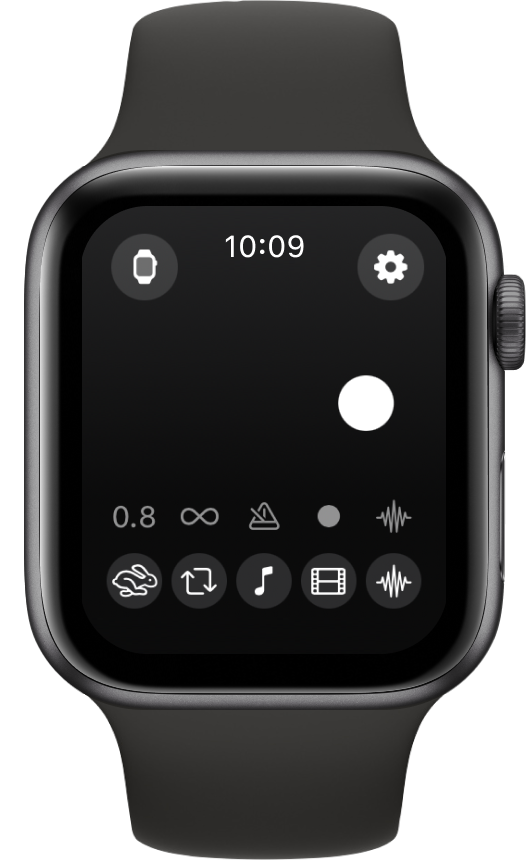
Extensive control and discreet vibrations on the go.
About EMDR for Apple Watch
The EMDR app for Apple Watch is a valuable addition, both for personal use and for professional use on the go. With Standalone Mode, you have a full version of the app on your wrist. Just like the iPhone app, you can optimise your session parameters and generate all stimulations on the device, including animations, vibrations, and audio (via Bluetooth headphones).
You can also extend your iPhone app experience with Companion Mode. For example, you can alternate vibrations between iPhone and Apple Watch, or control the iPhone app's stimulation speed and more from your Apple Watch. Below, we explain how to set up companion mode.
Setting Up Companion Mode
Step 1: Prepare the App
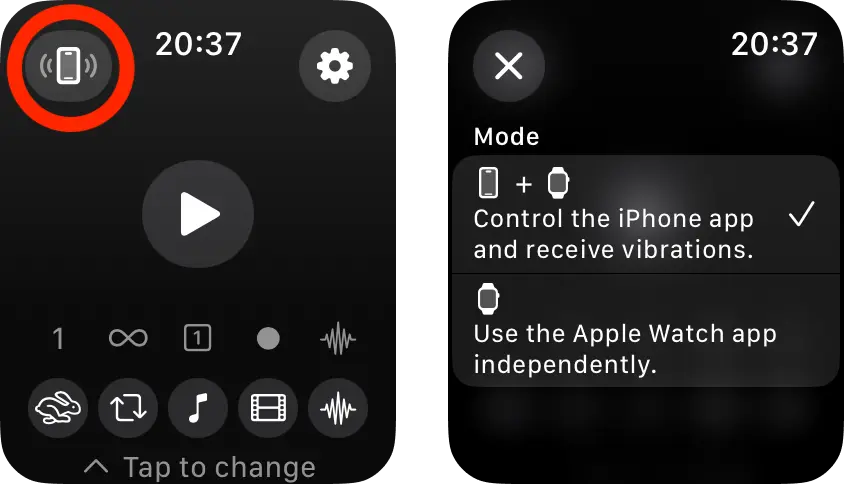
Open the EMDR app on your Apple Watch. Tap the Mode button in the top left (circled in red) to check that Companion Mode is enabled.
Step 2: Connect With the iPhone App
Make sure the EMDR app is open and visible on your Apple Watch. The app will automatically connect with the iPhone app, keeping settings and stimulations in sync. Alternate vibrations or screen flashes between your Apple Watch and iPhone by enabling Vibrations or Screen Flash.